
Here you could add, edit or delete app admin. App admins can assist an Org admin in customizing
Accessing admin
Please refer Accessing Admin and ELC app article for further details.
Adding app admin
1. Once inside the Admin, select App Admin present under Manage Users & Roles from the sidebar.

2. Click on +Add button present on the right hand side.
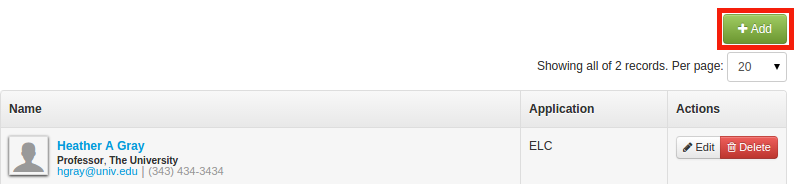
3. In Create a new App Admin, you need to add name (1) and application (2).
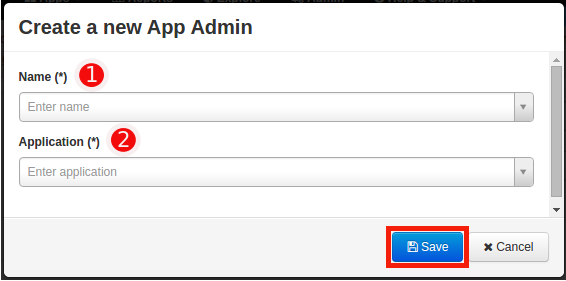
4. Click on Save. This will be displayed as the App Admin.
Manage App Admin
1. You can search for a particular app admin by using the search bar for user and application.
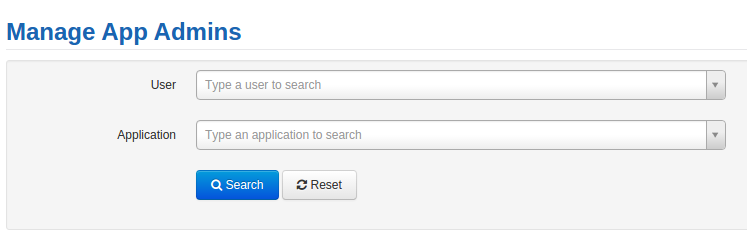
2. You can edit and delete a particular app admin using Edit and Delete button present on the right hand side under Actions.

Comments
0 comments
Please sign in to leave a comment.