
Available Version 2.9.1 onwards
If you wish to associate documents with specific courses, you can do that by following the steps below.
Steps to add documents
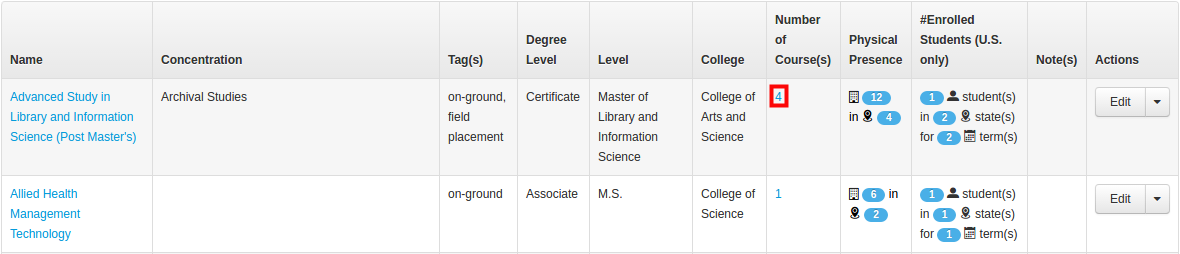
1.Once on Manage Programs, Click on the number of course(s) assigned to a particular program.
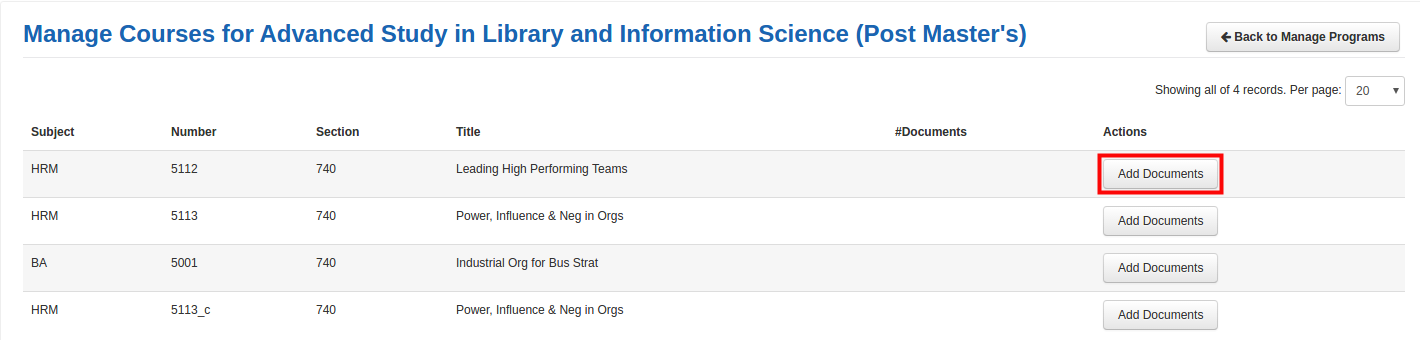
2. This brings up a list of courses specific to the program. Click on Add Documents button present on the right-hand side.
3. In Add Documents, you need to add Document Category (1) and Document Date (2). You can attach one or more documents using Attach documents present at the bottom.
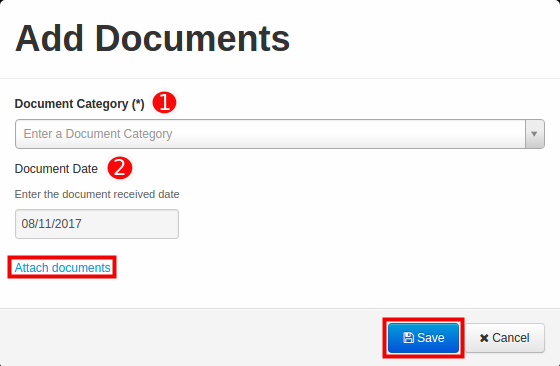
4. Click on Save to finish uploading the document.
Editing or removing documents for courses
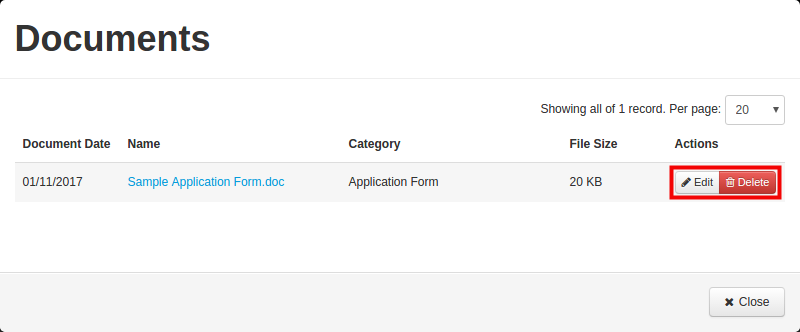
1. Click on the number present below #Documents.
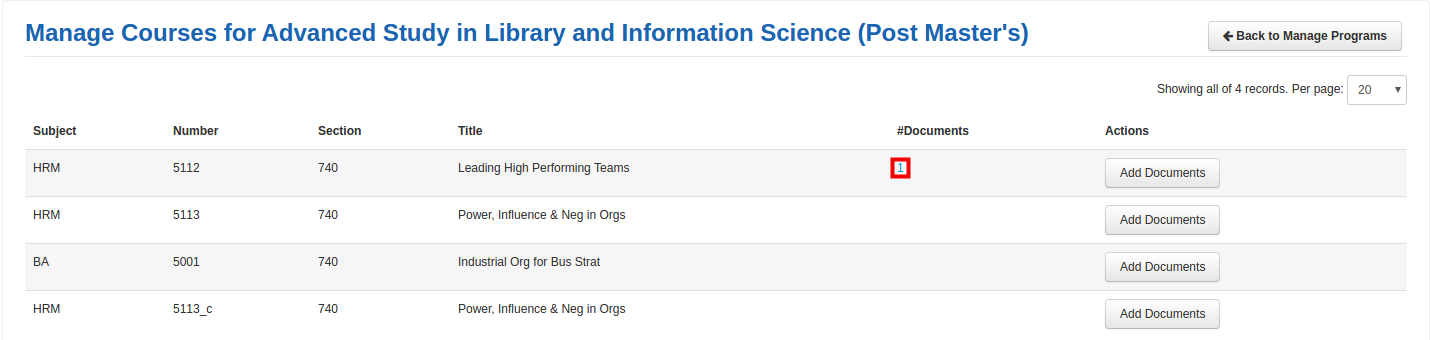
2. You can edit or remove document for a particular course using the edit or delete button present under Actions.
For Program Coordinator: If you are program coordinator than you can only view programs associated with your unit.
Comments
0 comments
Please sign in to leave a comment.